What Swollen Phone Batteries Taught Me About Charging Habits (It’s Not What You Think)
A friend who runs a small phone repair counter once let me sort through a box of batteries he’d pulled out of dead handsets — some swollen, some just quietly retired after losing half their capacity. I expected the worst offenders to be the phones people admitted to charging overnight, every night, for years. That’s not really what the pattern showed.
The batteries in the worst shape belonged to phones that had lived hot lives: left charging on a nightstand next to a space heater in winter, propped against a laptop vent, wrapped in a thick case while gaming and plugged in at the same time. The overnight-charging phones, especially anything from the last few years, mostly looked… fine.
Why “Don’t Overcharge It” Is Outdated Advice
Older lithium-ion batteries genuinely did suffer from being left at full charge indefinitely — there was no software watching over them, so the cell just sat under constant voltage stress. That’s where the overnight-charging myth comes from, and it wasn’t wrong for its time.
What’s changed is that almost every phone sold in the last several years quietly manages this for you. The battery isn’t sitting at 100% all night the way it used to; it’s sitting closer to 80% for most of that time, then finishing the last stretch on a schedule.
In my opinion, this is the part most charging-tips articles gloss over: the myth didn’t get debunked, the phone just got smarter than the myth. If your phone is from the last few years and you haven’t turned that feature off, you’re likely already protected from the exact scenario everyone warns about.
The Habit the Repair Bench Actually Blamed
Heat came up in almost every conversation I had while going through that box. Not “heat” as an abstract chemistry term, but very specific, everyday situations:
Charging under a pillow or blanket at night (both insulate and trap heat)
Gaming or recording 4K video while plugged in, which stacks processor heat on top of charging heat
None of these involve leaving the phone plugged in “too long.” They all involve the battery getting hot while it’s under load, which is a very different problem — and one that no software feature fully solves for you, because the phone doesn’t know you’ve buried it in a blanket.
A Small Test You Can Run Yourself
iPhones show a Battery Health percentage under Settings, and many Android phones show something similar under battery or device care settings. Check it now, then check it again in three months after making exactly one change: stop charging your phone anywhere it can’t breathe — no pillows, no thick cases while gaming and charging at once, no leaving it in a hot car.
I ran a rough version of this myself over a few months on an older phone I use for testing apps, deliberately avoiding hot-charging spots while changing nothing else about when or how long I charged it. The battery health reading held steadier than I expected over that stretch, for what a single-phone anecdote is worth — it’s not a controlled study, but it matched what the repair-bench batteries seemed to be showing.
What’s Actually Worth Doing
Based on both the repair-shop pattern and the manufacturer guidance behind it, here’s where I’ve landed:
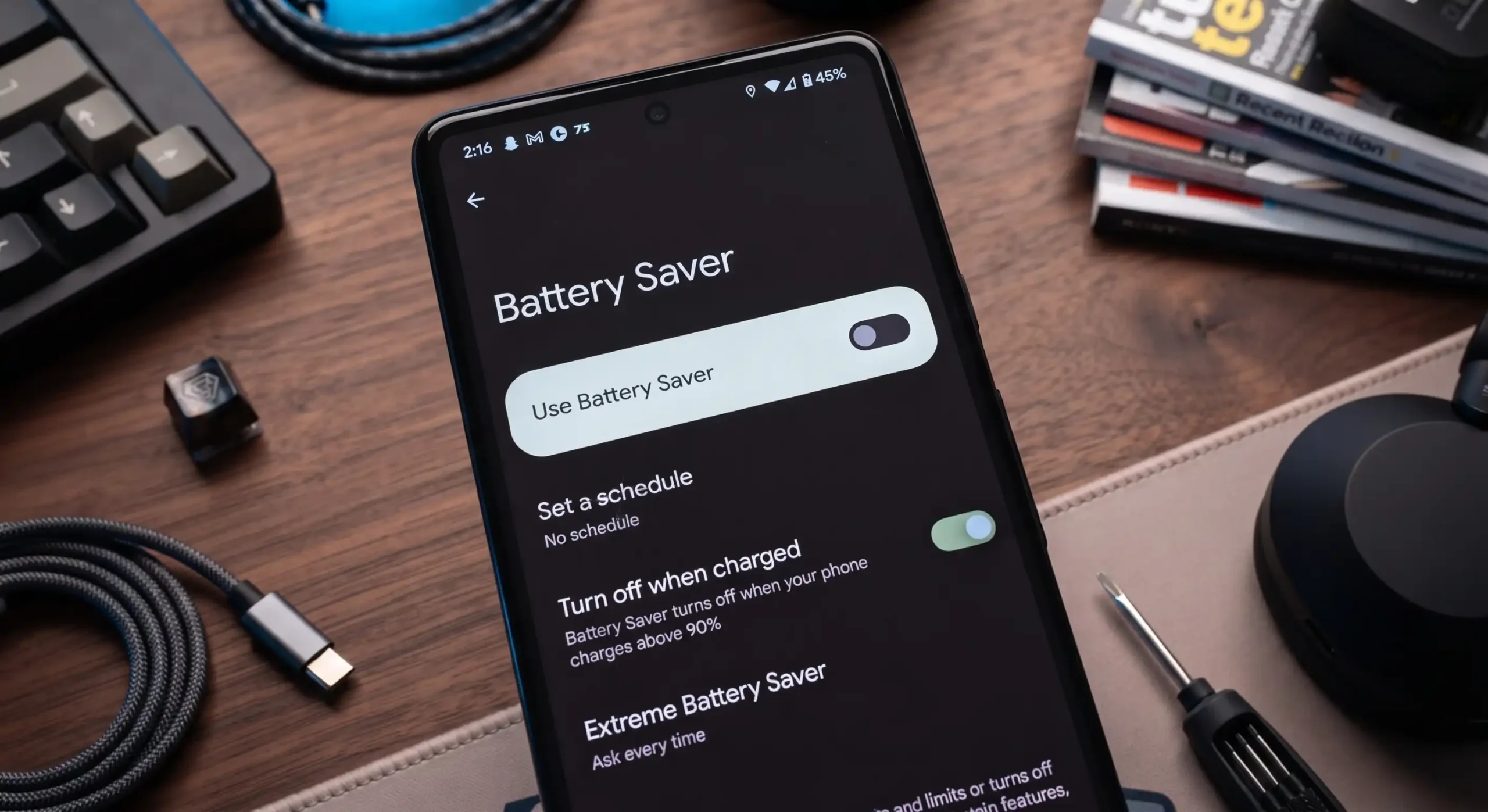
Leave the optimization features on. Optimized Battery Charging, Battery Protect, Adaptive Charging — whatever your phone calls it, it’s doing quiet, useful work. Turning it off “for faster charging” trades long-term battery health for a few saved minutes.
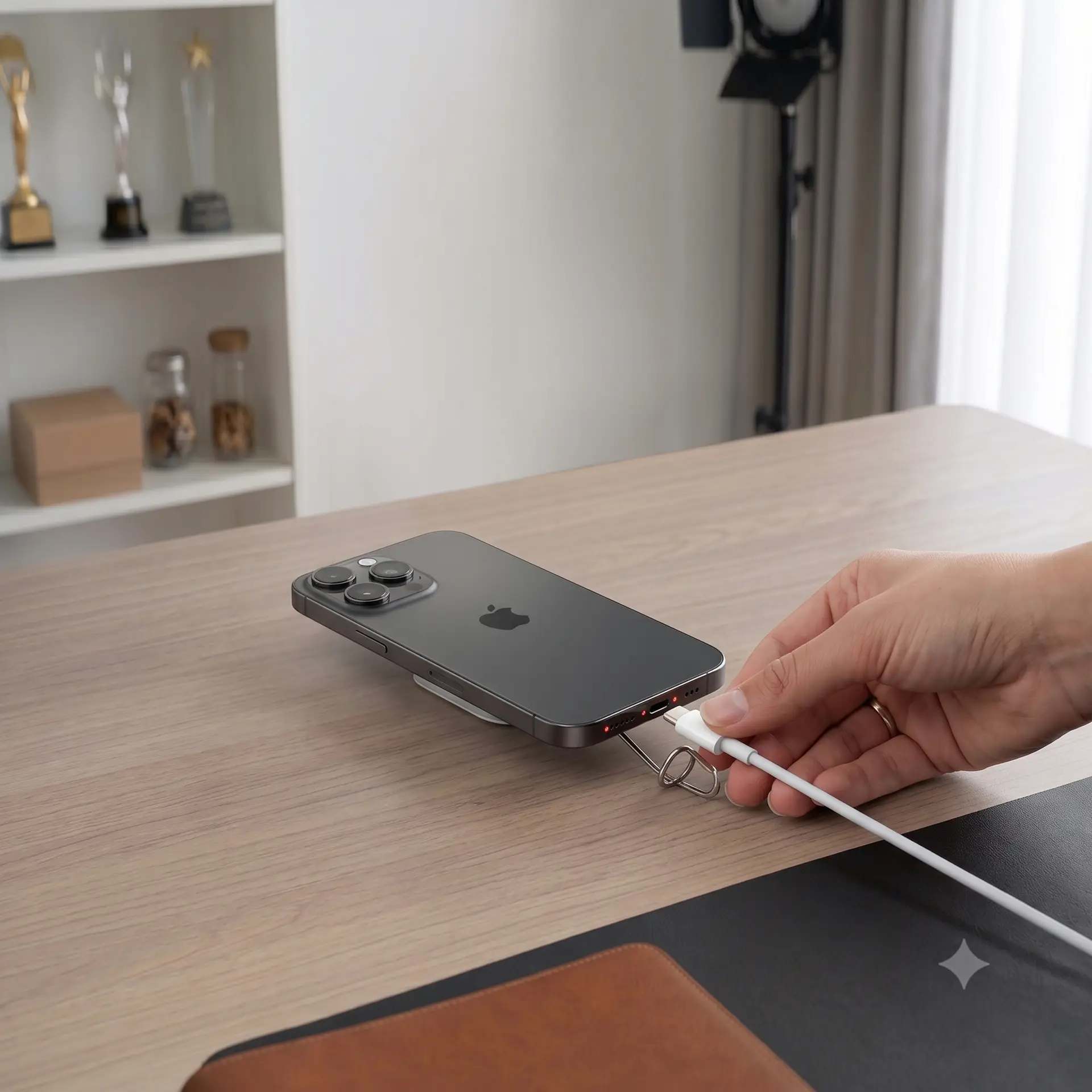
Charge somewhere the phone can shed heat. A bare desk beats a pillow, a couch cushion, or a thick case. If the phone feels warm while charging, that’s the signal worth acting on, not the clock.
Don’t chase 100% or panic at 20%. Lithium-ion cells are more comfortable with shallow, frequent top-ups than constant full cycles. There’s no need to obsessively keep it between 20–80%, but there’s also no prize for always hitting exactly full.
Buy boring cables. Cheap “ultra-fast” third-party chargers are a more common source of erratic current and extra heat than anything about your daily routine.
The Bottom Line
Nothing about modern phones makes them immune to battery aging — that’s chemistry, and chemistry doesn’t negotiate. But the specific fear most people carry (leaving it charging overnight) is largely solved by software they already have running. The habit actually worth changing is quieter and less talked about: where and how hot your phone gets while it’s plugged in.
FAQ
Is it bad to charge my phone to 100% every time? Occasionally, no. Consistently sitting at 100% for extended periods adds voltage stress, which is exactly what built-in optimization features are designed to reduce.
Does wireless charging damage batteries faster than a cable? Not inherently, but wireless charging tends to run warmer than a cable, especially with a case on, and heat — not the wireless part — is the actual factor to manage.
Should I turn off Optimized Battery Charging or Battery Protect? Generally no. These features exist specifically to reduce time spent at high voltage, which is one of the more controllable causes of long-term capacity loss.
How do I check my phone’s battery health?
It’s buried a few taps deep, not on the main Settings screen. On an iPhone, it lives under Battery, inside a Battery Health & Charging submenu. On Android phones, look for a “Device Care” or “Battery” section — Samsung, Pixel, and other brands each tuck it in a slightly different spot, so it’s worth poking around the battery menu once to find where your specific phone hides it.