How to Block Scam Calls on iPhone: 3 Effective Methods
That familiar buzz from an unfamiliar number rarely means anything good these days. A caller claims to be your bank. Another pretends to be a distant relative in a crisis. Neither one has your interests in mind, and both are counting on you to answer without thinking twice.
Apple doesn’t hand you one master switch that wipes out spam calls entirely. Instead, it spreads the protection across a few different tools, and each one covers a gap the others miss. I tested three of them below — an automatic call-silencing feature, manual blocking, and carrier-side filtering — and stacking all three gave noticeably better results than relying on just one.
1. Let iOS Silence Unknown Callers for You
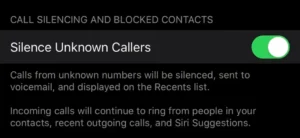
This feature has quietly done most of the heavy lifting since Apple added it back in iOS 13. Once enabled, any call from a number that isn’t already in your contacts gets routed straight to voicemail — no ring, no interruption, no decision required on your part.
It’s not a blunt instrument, though. Numbers you’ve texted before still get through. So do callers who reached you first through email. And if you dial emergency services, the whole filter steps aside for 24 hours so first responders can call you back without interference.
Turning it on takes three taps:
- Head into Settings, then Phone.
- Scroll to Silence Unknown Callers.
- Flip the toggle green.
Before you flip that switch, double-check your contacts list is up to date. A new dentist’s office or a courier calling about a delivery will get filtered right alongside the scammers if their number isn’t saved.
Worth flagging: filtered calls don’t vanish — they land quietly in your voicemail and call history, just without any alert. Glance through your recent calls now and then so nothing important gets buried in the noise.
2. Block the Number Yourself, Right After the Call
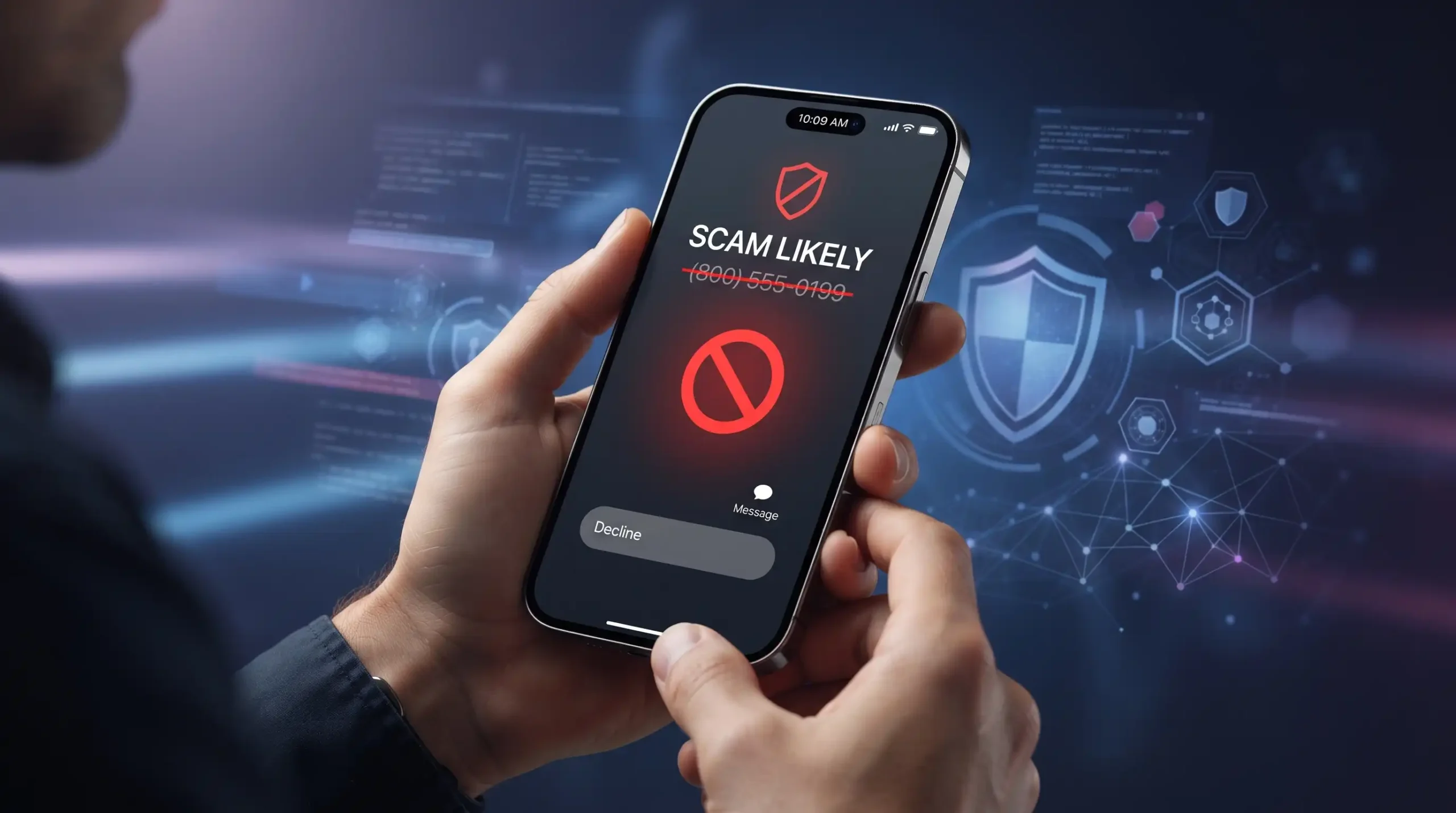
Automatic filtering only stops numbers it’s never seen. The moment a scammer’s number does slip through and ring your phone, blocking it directly closes that door for good.
There’s more at stake here than convenience, too. Repeat scam calls chip away at your time, sure, but they also give the caller repeated chances to fish for account numbers or personal details. Every blocked number is one less opportunity for that to happen.
Blocking takes four steps:
- Open Phone, then tap Recents.
- Locate the offending number.
- Tap the small (i) icon beside it.
- Scroll down and choose Block this Caller.
That’s it — the number disappears from your incoming calls and texts immediately, with no further action needed.
3. Ask Your Carrier to Filter Spam Before It Reaches You
Manual blocking has one built-in weakness: it only kicks in after the damage is already done once. Carrier-level spam filtering flips that timeline. It cross-references call patterns and spam reports from other customers, then flags likely scam numbers before your phone ever rings.
Coverage and pricing differ from one carrier to the next, so a quick conversation with customer support is the fastest way to find out what’s on offer:
- Reach your carrier through their app, website, or phone line.
- Ask directly whether spam-call filtering is included in your plan.
- Find out if there’s an added monthly charge.
- Follow their instructions to switch it on — usually just a quick opt-in.
I’ve compared this feature across a few different carriers, and the accuracy isn’t perfectly consistent. Occasionally a legitimate business call gets swept up as “likely spam.” It’s worth scanning your flagged-calls list every so often just to make sure nothing real got caught in the net.
Which One Should You Actually Use?
Don’t pick just one — layer them. Silence Unknown Callers quietly filters out the bulk of random scam attempts without you lifting a finger. Manual blocking shuts the door on anyone who slips through and calls again. Carrier filtering catches new numbers before they even reach your phone. On their own, each method has a blind spot. Together, they turn scam calls from a daily annoyance into a rare exception.
Quick Verdict
| Method | Rating (1–10) |
|---|---|
| Silence Unknown Callers | 8 |
| Manual Number Blocking | 7 |
| Carrier-Level Spam Blocking | 8 |
Pros and Cons
Pros
- Every method here uses tools already built into your iPhone or carrier plan
- Silence Unknown Callers runs quietly in the background after a single setup
- Carrier filtering blocks new scam numbers proactively, not just repeat callers
- Manual blocking puts you in direct control over specific numbers
Cons
- Silence Unknown Callers can accidentally mute real calls from unsaved numbers, like a new delivery driver
- Manual blocking only helps after a scammer has already reached you once
- Some carriers charge extra for their spam-filtering tier
- None of these methods touch spam text messages or iMessage scams