Is the HP OmniPad 12 Worth It? A Buying Guide for Students and Remote Workers
Laptop prices keep climbing. RAM shortages have pushed even budget laptops out of reach for many buyers. So a different question is worth asking: should you skip the laptop altogether and buy a work tablet instead?
The HP OmniPad 12 sits right in the middle of that question. It launched in India at Rs. 48,999, which converts to roughly $512 at current exchange rates. That price puts it in direct competition with entry-level laptops, not just other tablets.
This guide skips the usual spec-by-spec breakdown. Instead, it answers a simpler question: who should actually buy this device, and who should walk away?
Who Actually Needs a Tablet Like This?
Three groups get real value from the HP OmniPad 12.
Frequent travelers benefit most. Anyone who moves between meetings, flights, or co-working spaces will appreciate the lighter footprint. The tablet and keyboard together weigh about 1.25kg, which beats carrying a full laptop bag.
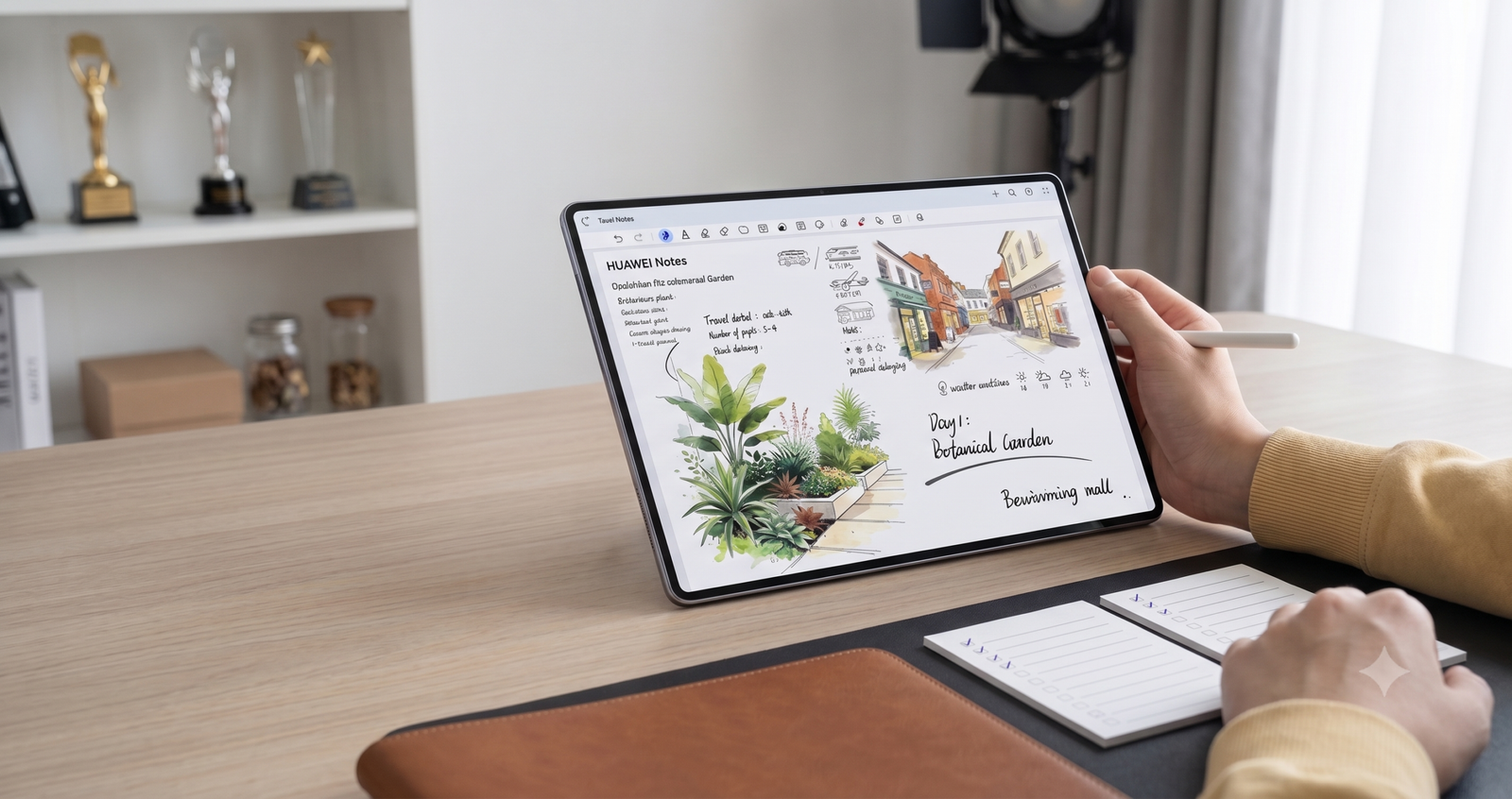
Students preparing for competitive exams also fit well. Note-taking, PDF reading, and long study sessions suit the tablet’s strengths perfectly.
Remote workers who mostly handle email, documents, and video calls will find the OmniPad 12 handles that workload comfortably.
Heavy multitaskers and creative professionals should look elsewhere. The next section explains why.
What $512 Actually Buys You Today
At $512, buyers sit at an interesting price point. That amount buys a mid-range Android tablet on its own, or it buys a genuinely underpowered laptop from a budget brand.
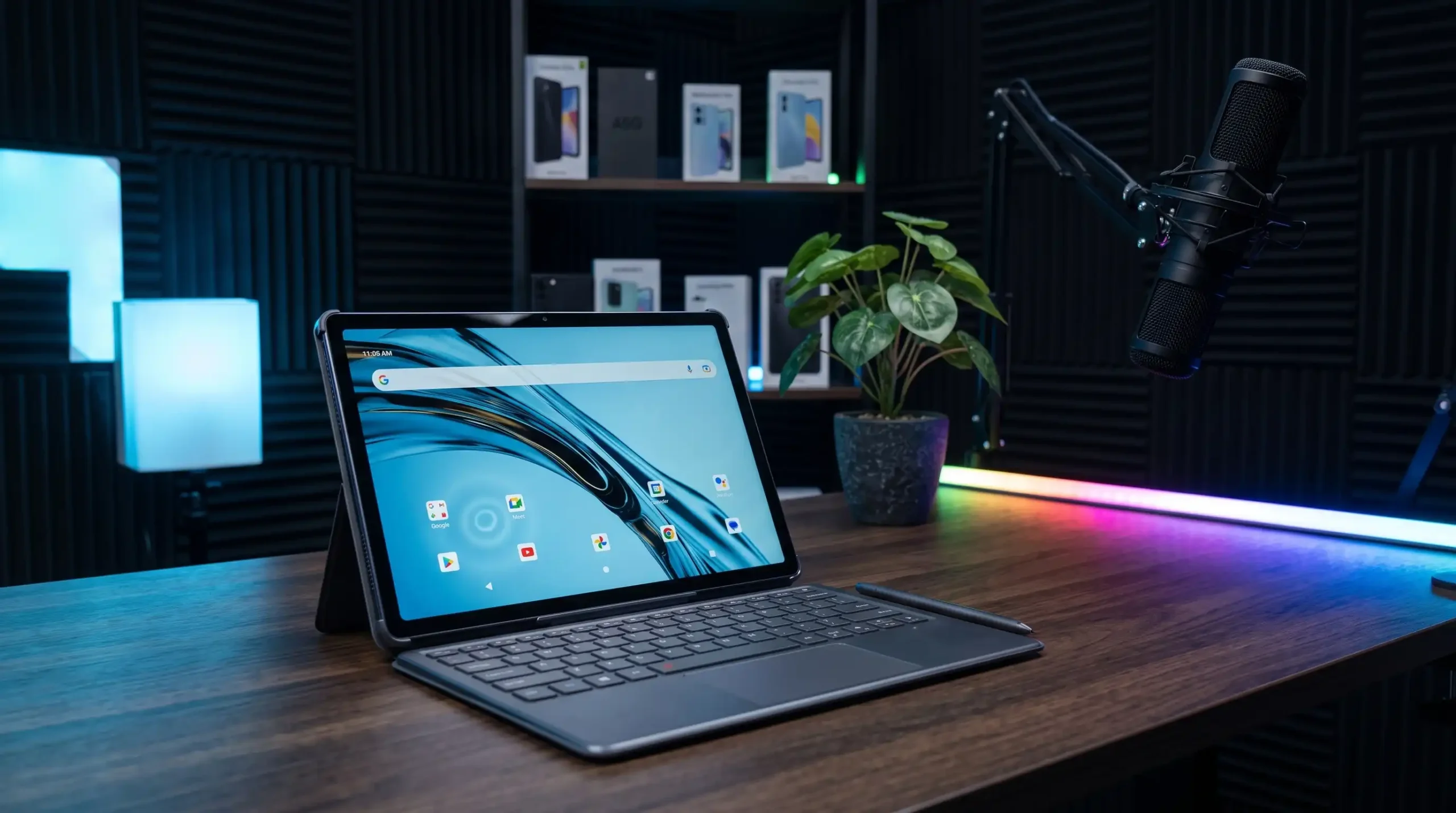
HP bundles a keyboard, folio case, and charging adapter into that price. Buyers get a complete, ready-to-use workstation on day one. Nothing needs a separate purchase.
Compare that bundle to a barebones laptop at the same price, and the value case for the OmniPad 12 becomes clearer.
Build Quality and Display: Where It Earns Its Price
HP’s reputation for durable hardware holds up here. The tablet’s metal frame resists flex and squeaking, a common problem in cheaper tablets.
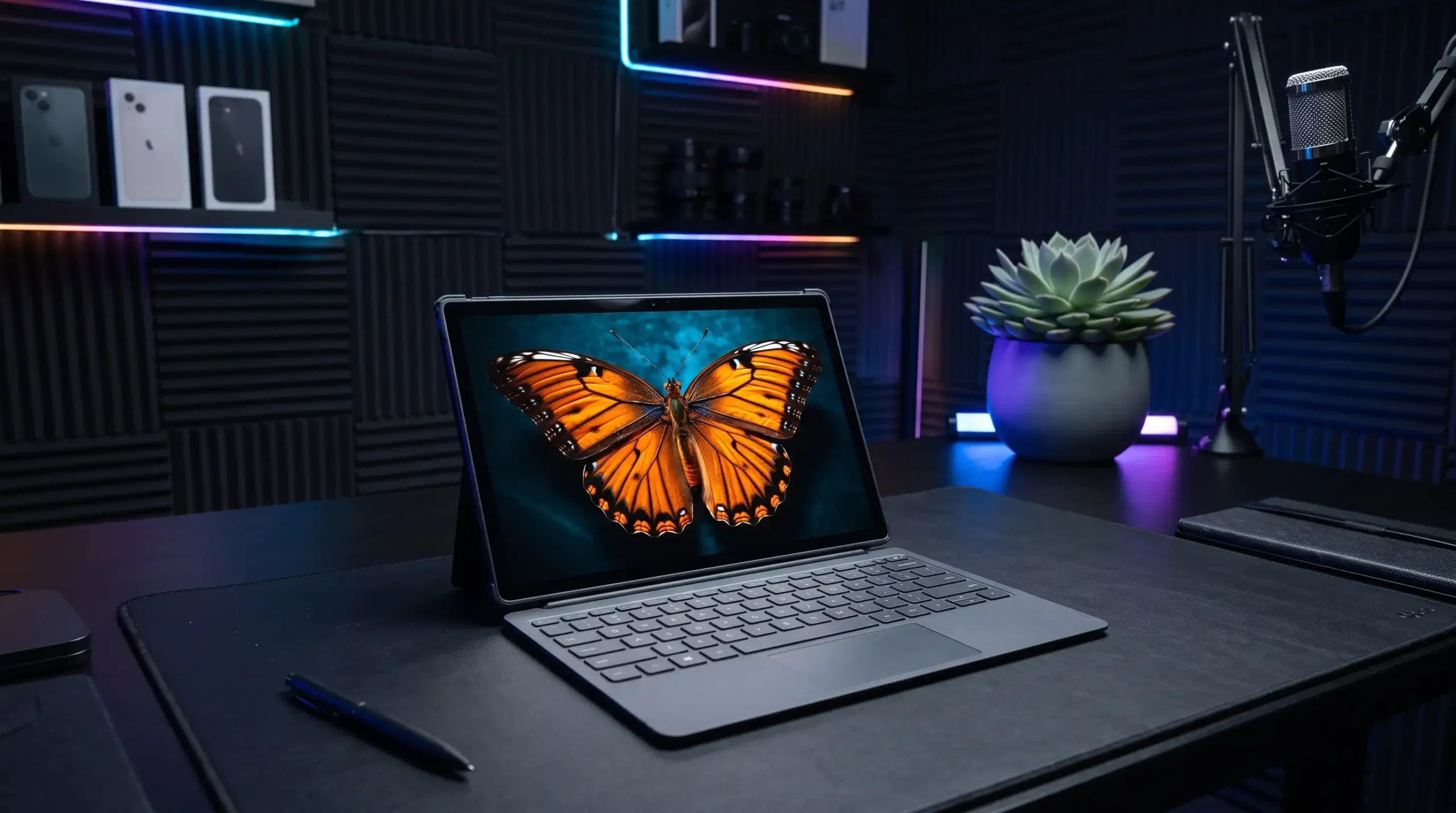
The 12-inch, 2K display makes daily reading and typing genuinely comfortable. Text stays sharp across websites, documents, and slides. Colors look vibrant, and whites stay neutral rather than tinted.
The screen alone justifies part of the price tag, especially for anyone who spends hours reading or drafting content.
The Performance Trade-Off You Need to Accept
Here’s the catch nobody should ignore. The Snapdragon SM6475Q chip inside the OmniPad 12 is a hexa-core variant of a budget phone processor, not a true laptop-class chip.
Multitasking suffers as a result. Switching between several apps causes noticeable stutters. Heavy Chrome tab usage slows things down further.
Buyers who edit video, run design software, or juggle a dozen open apps will hit this wall quickly. This tablet works best for lighter, sequential tasks rather than heavy multitasking.
Desk Mode vs Tablet Mode: A Smart Software Idea
HP built genuine flexibility into the software. Attach the keyboard, and the tablet switches into Desk mode, which mimics a Windows-style layout. Detach it, and the device returns to standard Android.
This switch happens smoothly. Keyboard shortcuts work as expected in both modes. Notifications shift position automatically to match the layout.
This flexibility is arguably the tablet’s best feature. It lets one device serve two very different purposes without friction.
Battery Life: A Genuine Laptop Alternative
Battery performance stands out as a clear win. Independent testing showed the tablet lasting over 16 hours on a single charge, even beating HP’s own 18-hour claim in real screen-on use.
That number beats most budget laptops by a wide margin. Anyone tired of hunting for outlets during a workday will appreciate this.
Charging speed disappoints, though. A full charge takes just over two hours, which feels slow next to the fast-charging standards found on many phones today.
Who Should Skip It
Video editors, developers running heavy IDEs, and anyone doing serious multitasking should avoid this device. The chipset simply can’t keep pace with those demands.
Photographers should also look elsewhere. Camera quality stays firmly in “backup” territory rather than replacing a smartphone.
Final Verdict: Buy It for the Right Reason
The HP OmniPad 12 doesn’t work as a laptop replacement for power users. It works as a lightweight, all-day companion for people whose work involves reading, writing, and light browsing rather than heavy computing.
Students studying for competitive exams and professionals who travel often will get the most value from this $512 bundle. Anyone else should keep browsing.