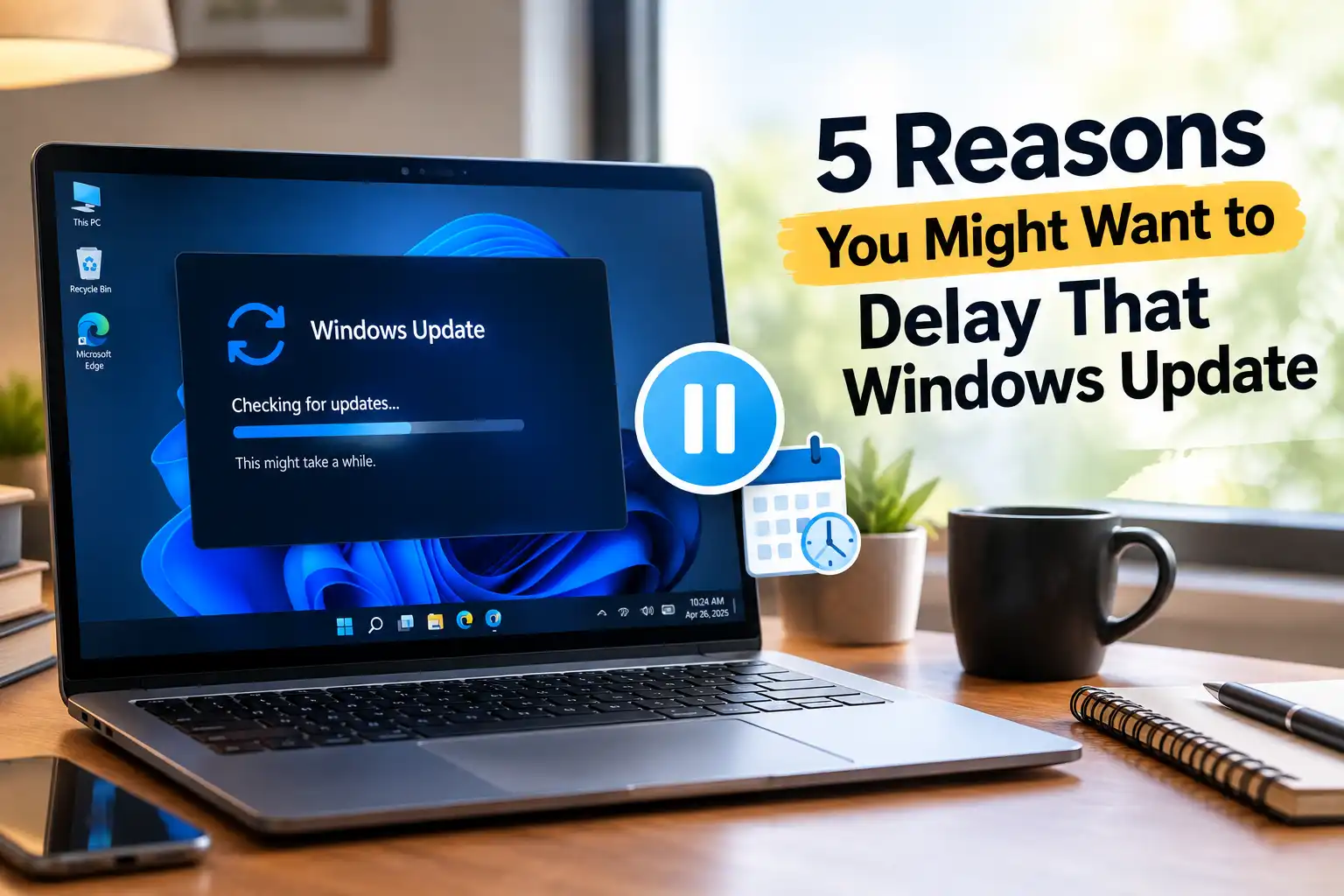
5 Reasons You Might Want to Delay That Windows Update
Microsoft frames every Windows update as a straightforward win: better security, smoother performance, fresh features. Reality often looks messier. I’ve watched a routine patch quietly remove a shortcut I used daily, and I’ve seen a “stability fix” introduce a fresh crash on a machine that ran fine the day before.
None of this means updates are pointless. Security patches genuinely close real vulnerabilities, and skipping them forever isn’t a smart long-term plan. But plenty of experienced users have good reasons to pause before clicking “Update now.” Here are five of them, based on patterns that show up release after release.
1. You Might Lose a Feature You Actually Use
Microsoft trims features it considers outdated or rarely used. That calculation makes sense from a maintenance standpoint. It stings, though, if you’re one of the people who still relied on that exact tool.
A small percentage of users notice the loss immediately. Daily workflows can slow down overnight, especially for anyone who built habits around a specific menu, shortcut, or legacy tool. If a feature you depend on sits on Microsoft’s chopping block, staying on your current version buys you time before you’re forced to adapt.
2. New Features Don’t Always Add Value
Every major update ships with headline features. Expectations run high, but the payoff often falls short for most everyday users. Many additions end up as background clutter rather than tools people actually open.
Copilot is the clearest recent example. Microsoft built real ambition into this AI assistant, and it genuinely helps some workflows. Plenty of users never asked for an AI icon sitting on their taskbar, though. For them, Copilot just adds visual noise to a desktop that already felt complete. I’d like to see Microsoft treat these rollouts as optional add-ons rather than default fixtures baked into every update.
3. New Bugs Tend to Show Up
Update notes rarely mention every side effect. Code changes ripple outward in ways engineers don’t always catch during testing. A patch meant to fix one issue can quietly introduce three new ones.
Common symptoms include app crashes, unresponsive programs, and occasional glitches during normal use. Data loss shows up less often, but it does happen, particularly right after a major version jump. This pattern explains why cautious users wait a few weeks after release, letting early bug reports surface before they install anything themselves.
4. Compatibility Problems Can Break Your Software
Software and Windows versions don’t always move in sync. An older app might stop launching correctly on a newer build, and a brand-new app might refuse to run at all on an outdated one.
Hardware adds another layer of risk. A Windows update that doesn’t play well with a specific driver or chipset configuration can degrade system performance or break individual apps entirely. Weigh compatibility gains against these risks before you commit to any update, especially on machines running specialized software for work.
5. Performance Can Take a Real Hit
Newer builds often carry heavier resource demands than the version they replace. That trade-off barely registers on a modern machine with plenty of RAM and a fast SSD. Older laptops and budget office PCs feel it immediately.
Limited RAM or an aging CPU struggles to absorb the extra load a fresh update introduces. The slowdown becomes even more noticeable on a hard disk drive (HDD) instead of a solid-state drive (SSD), since HDDs already move data more slowly. On weaker hardware, skipping the latest update can genuinely keep a machine usable for longer.
Quick Verdict
| Specification | Rating (1-10) |
|---|---|
| Security improvement from updating | 9 |
| Feature reliability across updates | 5 |
| Compatibility with older hardware | 4 |
| Bug-free track record | 5 |
| Overall recommendation to update eventually | 7 |
| Overall Score | 6 |
Pros and Cons
Pros of Delaying an Update
- You avoid brand-new bugs that haven’t been patched yet.
- Older or lower-spec hardware keeps running at its current speed.
- You keep using features that a newer version might remove.
- You skip unwanted additions, like AI tools you never asked for.
Cons of Delaying an Update
- Known security vulnerabilities stay open for longer.
- Some newer apps eventually require a newer Windows version to run.
- You fall further behind on official Microsoft support timelines.
- A large batch of updates later can feel riskier than smaller, regular ones.
Final Thoughts
Delaying a Windows update isn’t reckless by default. It’s a calculated trade-off between stability and the promise of new features you may never use. My honest take: hold off on day-one updates unless a patch addresses a critical security flaw, then install once early bug reports settle down. That habit alone has saved me from more than one bad rollout.
Security still matters more than convenience, though. A machine running a badly outdated version of Windows carries real risk that no amount of stability is worth. Treat delay as a short-term buffer, not a permanent strategy, and keep an eye on your hardware’s limits before deciding how long to wait.