Nobody Can Buy This Laptop at a Store — And That’s Exactly Why IT Managers Should Care
A procurement-desk take on the Acer TravelLite T24-54M, the corporate-only laptop most reviews miss the point of
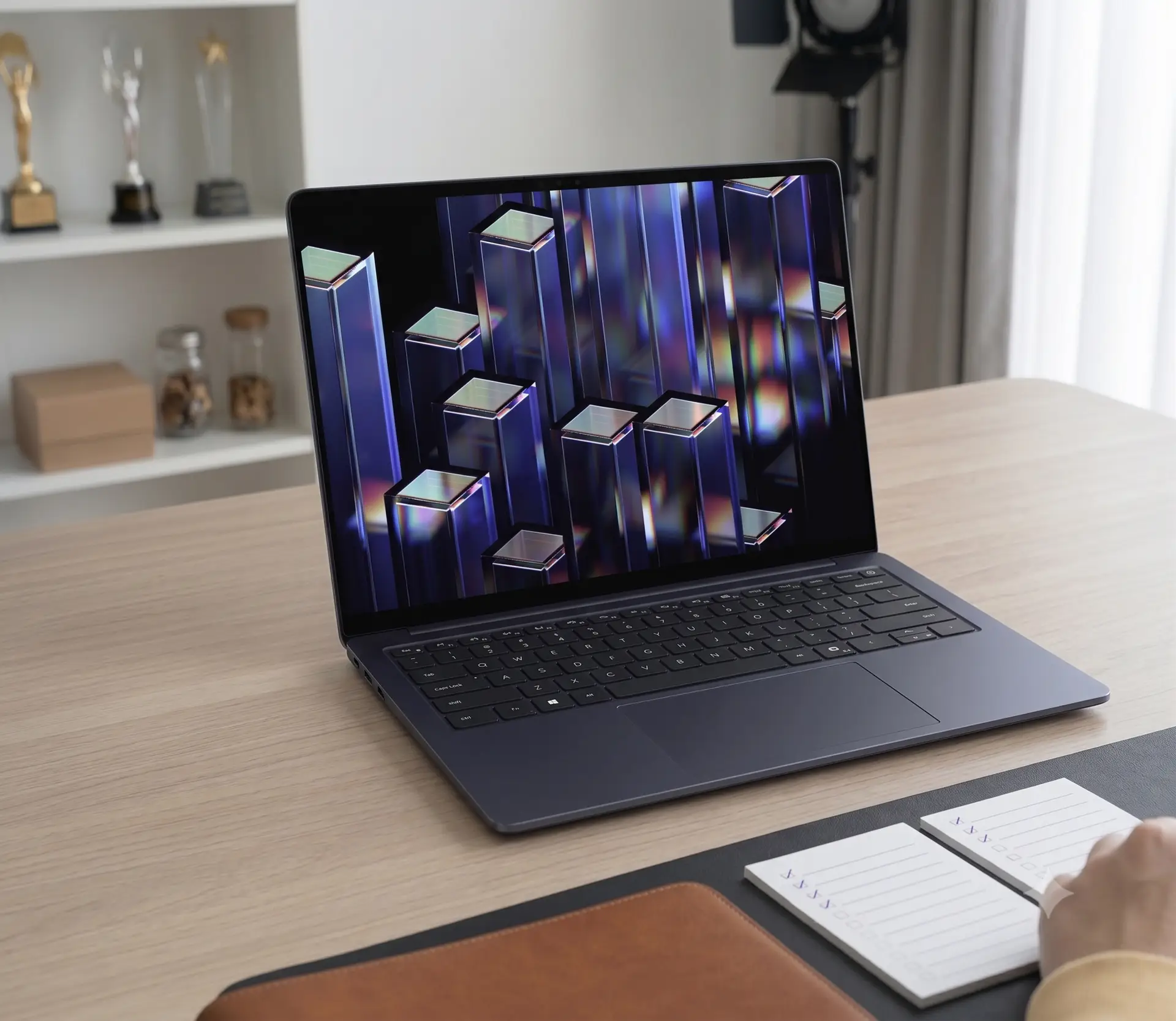
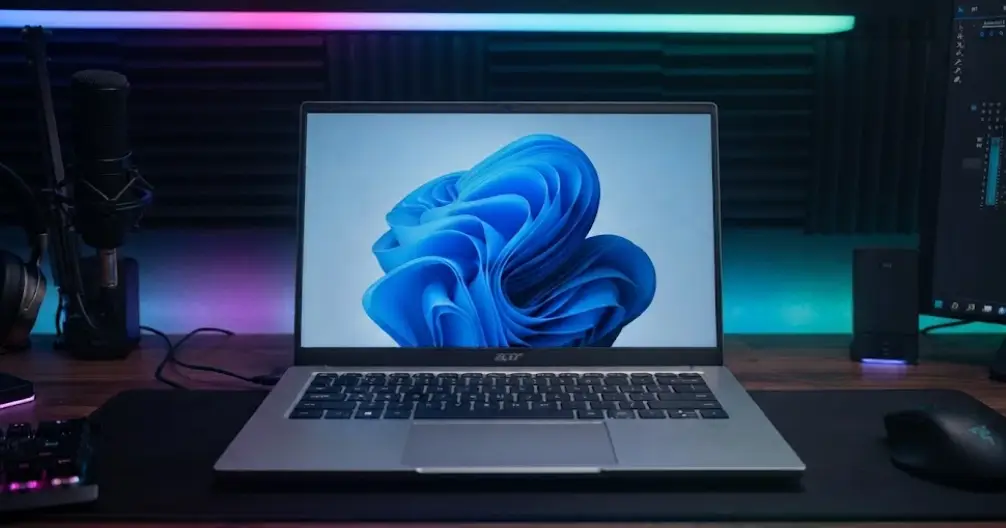
Most laptop reviews treat every machine the same way. A reviewer opens the box, benchmarks the chip, pokes at the keyboard, and hands down a verdict written for a shopper standing in front of a retail shelf. That approach breaks down completely for the Acer TravelLite T24-54M, because you cannot walk into a store and buy one. Acer sells this machine exclusively through its corporate channel in India, which changes almost every question worth asking about it.
I spent time with this laptop the way a small-business owner or an IT admin would: thinking less about “is this fun to use” and more about “will this survive 500 units in the field without generating support tickets.” That angle — fleet management, total cost of ownership, and procurement risk — barely shows up in the spec-sheet reviews already circulating online. Here’s what actually matters if you’re the person signing the purchase order.
Why “Corporate-Only” Is the Real Headline
Acer built the T24-54M for one buyer: a company with dozens or hundreds of seats to fill, not an individual shopper comparing options on an e-commerce site. That distribution choice tells you something reviewers rarely mention. Corporate buyers negotiate configuration and pricing directly with Acer, so the $945.80 price tag on the review unit is a reference point, not a fixed number. Bulk buyers should expect movement on that figure once volume and support contracts enter the conversation.
This also means warranty terms, spare-parts availability, and driver support likely run through Acer’s business support desk rather than consumer channels. If your organization already buys through Acer’s enterprise program, onboarding this laptop adds little friction. If you don’t, factor in the extra step of setting up that relationship before rollout.
Durability Numbers That Actually Matter to a Fleet Manager
Spec sheets list MIL-STD 810H certification, but procurement teams should translate that into real risk reduction. Field laptops absorb drops, spills, and rough handling that consumer machines rarely see. The aluminium body panels on the lid and keyboard deck give this laptop a sturdier feel than the plastic-heavy machines many companies currently issue.
One design change deserves a flag before you commit to a bulk order, though. The previous TravelLite generation let the display rest flat against the surface when opened to 180 degrees, which protected the panel from accidental pressure. This new model raises the hinge instead, so the screen no longer touches the table. That sounds minor in a spec sheet, but multiply it across a hundred laptops handled by employees who don’t treat hardware gently, and the odds of hinge or panel damage over a two- or three-year lease cycle rise. IT teams replacing hinges on a fleet know exactly how much that adds to support costs.
Battery Life Through the Lens of a Workday, Not a Lab Test
Lab-rated battery figures rarely match what employees experience at their desks. I tracked the 60WH configuration through an actual 9-to-5 stretch: web research with roughly 20 Chrome tabs open, some image editing, and about an hour of video streaming at half brightness. The laptop still had 20 percent charge left by 7:00 PM. That result matters more to a procurement checklist than a synthetic benchmark, because it tells you employees can skip carrying a charger to most meetings.
Recharging speed also affects how a fleet behaves during a busy office day. The bundled 65W adapter pushed the battery to 40 percent in half an hour and past three-quarters full within an hour. Full charge takes about 90 minutes. For a company running back-to-back shifts on shared equipment, that turnaround speed shortens downtime between users.
The Display Trade-Off Every Buyer Should Budget For
The 14-inch IPS panel handles everyday office work well. Colours render naturally, viewing angles hold up, and the anti-glare coating keeps overhead office lighting from becoming a distraction. None of that separates this laptop from its competitors, though.
Peak brightness sits at 250 nits, and that number becomes a real problem near windows or in any space with strong ambient light. During testing, indoor brightness needed to run at maximum just to stay comfortable, and outdoor use turned into eye strain within minutes. Any organization with staff who work near glass-walled offices, client sites, or field locations should treat this limitation as a genuine deployment constraint, not a nitpick. Budget for blackout blinds or seat placement planning if brightness matters to your environment.
Performance Headroom for Office Work, With One Honest Limit
The review unit’s Intel Core 5 320 processor, paired with 16GB of DDR5 RAM and a 512GB NVMe SSD, handled the actual workload of an office day without hesitation. Twenty-plus browser tabs, video calls, spreadsheet work, and presentation editing all ran smoothly, and the fans stayed silent outside of stress testing.
Two limitations matter for planning purposes rather than daily use. First, this chip caps out around 40 TOPS of combined CPU and GPU performance, which falls short of Microsoft’s Copilot+ PC threshold. If your organization plans to standardize on Copilot-enabled hardware, this generation of TravelLite won’t qualify. Second, being an early adopter of Intel’s Core Series 3 platform in the Indian market carries some inherent risk — driver maturity and long-term firmware support histories are still being written for this chip generation.
The Procurement Verdict
Judged purely as a piece of hardware, the Acer TravelLite T24-54M earns a solid grade: strong battery life, a durable body, and enough performance for standard office work. Judged as a fleet decision, the picture gets more nuanced. The exclusive corporate sales channel simplifies negotiation for large buyers but adds a relationship-building step for anyone new to Acer’s business program. The raised hinge design trades some durability for a design refresh. The dim display demands real accommodation for certain office layouts.
None of these points are dealbreakers. They’re the kind of details that belong in a pre-purchase checklist rather than a star rating, and they’re exactly what gets lost when a review focuses only on specs and first impressions. If your organization values battery life and build quality over cutting-edge AI performance, and you’re comfortable working through Acer’s corporate sales process, the T24-54M deserves a spot on your shortlist.