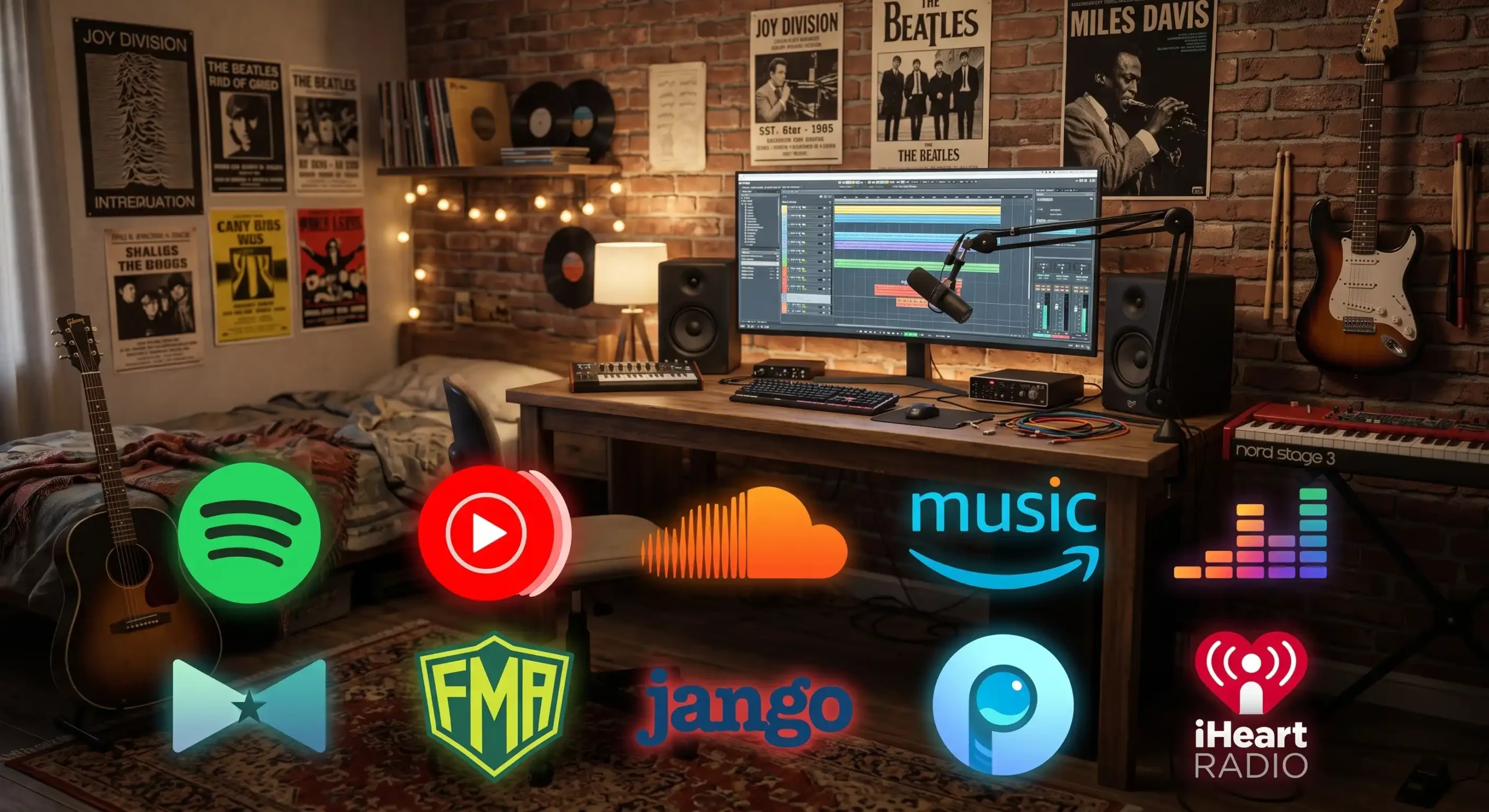
10 Best Free Music Streaming Apps in 2026 (No Spotify Premium Needed)
Spotify Premium now costs more than it did two years ago, and the free tier keeps losing small features. If you’re not ready to pay $12.99 a month, you still have real options in 2026.
Most “Spotify alternatives” lists just swap in Apple Music or Tidal, both paid. That doesn’t help if your goal is $0 a month. This guide only covers apps you can use for free, legally, without a credit card.
We also sort every app by how it stays free. That distinction matters more than most reviews admit.
Two Very Different Ways an App Can Be “Free”
Free music apps fall into two categories, and they treat you differently.
Ad-supported streamers (Spotify Free, YouTube Music Free, Deezer Free) work like commercial radio. You get on-demand or near-on-demand access to a huge catalog, but ads interrupt your listening, and the company profits from your attention and data.
Library-funded platforms (Bandcamp, Free Music Archive) skip ads entirely. Instead, they host music that’s either licensed for free distribution or sold directly by the artist. You get a smaller catalog, but nobody is selling your listening habits to advertisers.
Knowing which type you’re using changes what you should expect. Ad-supported apps chase your engagement. Library-funded apps just host music. Keep that in mind as you pick from the list below.
Ad-Supported Streamers (Big Catalogs, Ads Included)
These five apps give you access to a massive, mainstream music library. In exchange, you’ll hear ads every few songs, and most block offline downloads and on-demand playback in certain modes.
1. Spotify Free
Spotify still runs the most generous free tier among major streamers. You get on-demand search on mobile with some shuffle restrictions, playlists, and podcasts.
Audio quality caps around 160 kbps on mobile and drops to 128 kbps in the web player. You can’t download tracks for offline listening, and ads play between songs. It remains the easiest starting point if you want familiar features without a subscription.
2. YouTube Music Free
YouTube Music pairs a massive catalog, over 300 million tracks, including live performances and remixes you won’t find elsewhere, with a solid free tier. Audio tops out at 256 kbps AAC, with no lossless option.
Background playback stays locked behind Premium, so the app pauses when you switch to another one. If you already pay for YouTube Premium, Music comes ad-free as part of the bundle.
3. SoundCloud Free
SoundCloud skips the skip limits that plague other free tiers. Its catalog leans independent and underground, making it the best pick for discovering new artists rather than replaying familiar hits.
You’ll still hear ads, but SoundCloud doesn’t restrict on-demand playback the way Spotify Free does on mobile.
4. Amazon Music Free
Amazon Music’s free tier works best for Prime members, who get a curated library included with their membership. Non-Prime users get a smaller, shuffle-only selection.
It won’t replace a full on-demand library, but if you already pay for Prime, this free tier effectively costs nothing extra.
5. Deezer Free
Check your region before you rely on Deezer. In the United States, most individual tracks stream as 30-second previews rather than full songs, despite the app-store listing advertising a free ad-supported plan. Deezer’s free tier behaves closer to a full streamer in other markets, so results vary by country.
Library-Funded Platforms (No Ads, Smaller Catalog)
These apps don’t run ads at all. They fund themselves through direct sales, donations, or licensing models that don’t depend on advertising.
6. Bandcamp
Bandcamp works as a marketplace, not a streamer. Artists and labels run their own storefronts, and most new releases stream in full for free before you decide to buy.
You won’t get Spotify-style search-and-play for any song you want. What you get instead is full albums streamed ad-free, with money going directly to the artist when you do purchase.
7. Free Music Archive
Free Music Archive hosts music cleared for free distribution, often under Creative Commons licenses. There are no ads and no algorithmic feed pushing you toward anything.
The catalog skips mainstream hits entirely. It works best for podcasters, video creators, or listeners who specifically want royalty-free or independent tracks.
8. Jango
Jango runs like a genre-based radio station. You pick an artist or style, and it builds a station around that seed, similar to how Pandora used to work.
It plays in your browser with minimal ads and no account requirement, though the interface feels dated compared to newer apps.
Radio-Style Alternatives Worth Knowing
Two more apps don’t fit neatly into either bucket above, but they’re worth a mention if the first eight don’t fit your listening style.
9. Pandora
Pandora built its reputation on personalized radio stations rather than on-demand search. Its free tier remains ad-supported and works well in the US, though availability outside American markets stays limited.
10. iHeartRadio
iHeartRadio streams thousands of real radio stations alongside curated playlists. If you like the format of traditional radio but want it on your phone, this free tier delivers that without needing a separate app for every station.
Free Music Apps Compared at a Glance
| App | Catalog Type | Ads | Best For |
|---|---|---|---|
| Spotify Free | On-demand, mainstream | Yes | Easiest all-around free option |
| YouTube Music Free | On-demand, massive | Yes | Rare tracks and live performances |
| SoundCloud Free | On-demand, independent | Yes | Discovering new/underground artists |
| Amazon Music Free | Curated, Prime-linked | Yes | Existing Amazon Prime members |
| Deezer Free | Varies by country | Yes | Non-US listeners mainly |
| Bandcamp | Album-based, artist stores | No | Supporting artists directly |
| Free Music Archive | Licensed, non-mainstream | No | Creators needing royalty-free tracks |
| Jango | Radio/station-based | Minimal | Simple genre radio, no account |
| Pandora | Radio/station-based | Yes | US-based personalized radio |
| iHeartRadio | Live radio stations | Yes | Fans of traditional radio format |
How to Pick Without Wasting Time
Match the app to what you actually want to hear, not just the biggest catalog.
- Want today’s hits on demand? Start with Spotify Free or YouTube Music Free.
- Want to avoid ads completely? Go with Bandcamp or Free Music Archive, and accept a smaller catalog.
- Want to support artists directly? Bandcamp sends money straight to the artist on every purchase.
- Already pay for Prime or YouTube Premium? Use the music app that bundles with what you’re already paying for.
- Want simple background radio? Pandora, Jango, or iHeartRadio need less setup than a full streaming library.
Most people end up stacking two apps: one on-demand streamer for daily listening, plus Bandcamp for supporting favorite artists directly.
Frequently Asked Questions
Can I use these apps without creating an account? Some can. Jango works without an account. Most others, including Spotify, YouTube Music, and Amazon Music, require sign-up for playlists, personalized stations, or downloads, even on the free tier.
Do free tiers work the same in every country? No. Deezer’s US free tier limits most tracks to 30-second previews, while other regions get closer to full streaming. Always check your local app store listing before assuming a free tier matches what you read online.
Is ad-supported music actually free, or does it cost me my data? Both are true at once. You pay nothing in cash, but ad-supported apps collect listening data to sell ad space. If that trade-off bothers you, library-funded apps like Bandcamp and Free Music Archive don’t run on the same model.
Which free app has the best audio quality? YouTube Music Free tops out around 256 kbps AAC, ahead of Spotify Free’s 160 kbps cap. Neither offers lossless audio; that stays locked behind paid tiers across every major streamer.