You’re Probably Paying for Canva Pro and CapCut Pro for Nothing. Here Are 8 Free Apps That Already Do the Job
Most “best free editing apps” lists read the same way: a generic roundup of tools, ranked by download count, with little context on what you’re actually giving up. This list works differently. Every app here gets measured against one question: does it replace a specific Canva Pro or CapCut Pro feature you’re currently paying for?
The answer, in 2026, is yes more often than most creators realize. Free tools have closed the gap on RAW photo editing, multi-track video timelines, and watermark-free exports. You just need to know which app replaces which subscription feature.
Why Free Tools Finally Caught Up
Subscription editing apps built their pricing model around three things: no watermarks, advanced color tools, and cloud-based templates. That model made sense five years ago. It doesn’t hold up as well now.
Open-source projects and ad-supported apps have closed most of that gap. Companies like Google, Blackmagic Design, and Microsoft now ship professional-grade editing tools for free, funded by hardware sales, ad revenue, or brand strategy rather than subscription fees. The trade-off usually isn’t quality. It’s convenience — you might click through one extra settings menu, or skip a cloud sync feature.
Free Photo Editors That Replace Canva Pro Features
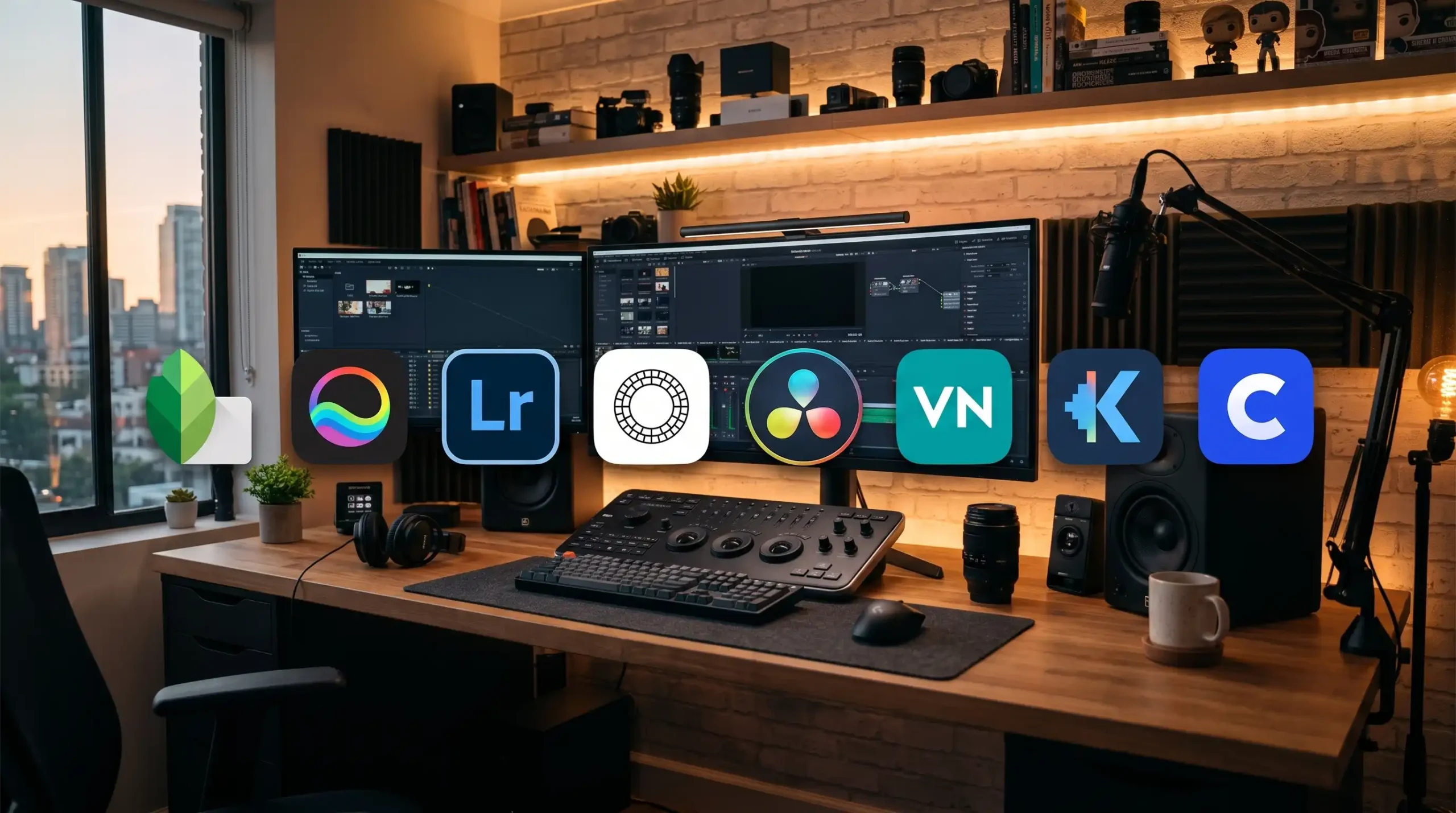
1. Snapseed — For RAW-Level Color Control
Snapseed, built by Google, exports every photo at full resolution with zero watermarks. It handles curves, selective color adjustment, and healing tools at a level that matches paid photo apps. If you use Canva Pro mainly for photo touch-ups before posting, Snapseed replaces that workflow entirely.
2. Polarr — For Layer-Based Editing
Polarr brings layer support, blending modes, and custom masking to a free mobile and desktop app. That’s the feature set most people pay for in Canva Pro’s advanced photo editor. Polarr’s free tier keeps all of it intact.
3. Lightroom Mobile (Free Tier) — For Serious Color Grading
Adobe’s free version of Lightroom Mobile shoots RAW photos and exports them without watermarks. You get exposure control, tone curves, HSL panels, and lens correction — the exact tools professional photographers use, minus the presets Adobe reserves for paid subscribers.
4. VSCO (Free Tier) — For Consistent, On-Brand Filters
If your Canva Pro usage centers on maintaining a consistent aesthetic across posts, VSCO’s free preset library does the same job. The curated filter set exports cleanly, without any watermark, and gives your content a recognizable look without a subscription.
Free Video Editors That Replace CapCut Pro Features
5. DaVinci Resolve — For Hollywood-Grade Color Grading
DaVinci Resolve gives you node-based color correction, a full audio post-production suite, and built-in visual effects tools. Professional studios use this software to grade feature films. The free version exports without a watermark, which makes it the strongest alternative to CapCut Pro’s paid color tools.
6. VN Video Editor — For Templates and Mobile Editing
VN Video Editor mirrors what most people actually pay CapCut Pro for: fast templates, clean transitions, and a simple mobile interface. It exports without watermarks by default and includes free access to fonts, stickers, and sound effects.
7. Kdenlive — For Multi-Track Desktop Editing
Kdenlive is open-source software with unlimited video and audio tracks, a full keyframe animation system, and no export restrictions. It handles the kind of layered, multi-clip editing that CapCut Pro’s desktop version charges for.
8. Clipchamp — For Fast, Beginner-Friendly Editing
Microsoft’s Clipchamp offers a simple drag-and-drop interface with watermark-free exports. It works well for creators who want CapCut’s ease of use without CapCut Pro’s paywall around captions and effects.
What Free Apps Still Can’t Fully Replace
Free tools cover most day-to-day editing needs, but a few gaps remain. Cloud-based team collaboration, built-in stock libraries with millions of licensed assets, and one-click brand kit syncing across dozens of templates still work best in paid platforms.
If you’re a solo creator or a small business posting regularly, that gap rarely matters. If you manage a five-person content team publishing dozens of assets a week, the paid convenience features may still earn their price.
The Bottom Line
Canva Pro and CapCut Pro built their value around watermark removal and professional-grade tools. Free apps in 2026 offer both. Snapseed, Polarr, and Lightroom Mobile cover photo editing. DaVinci Resolve, VN Video Editor, Kdenlive, and Clipchamp cover video.
Before renewing a subscription this year, test the free alternative that matches your actual workflow. You may find you’ve been paying for a feature you stopped using months ago.